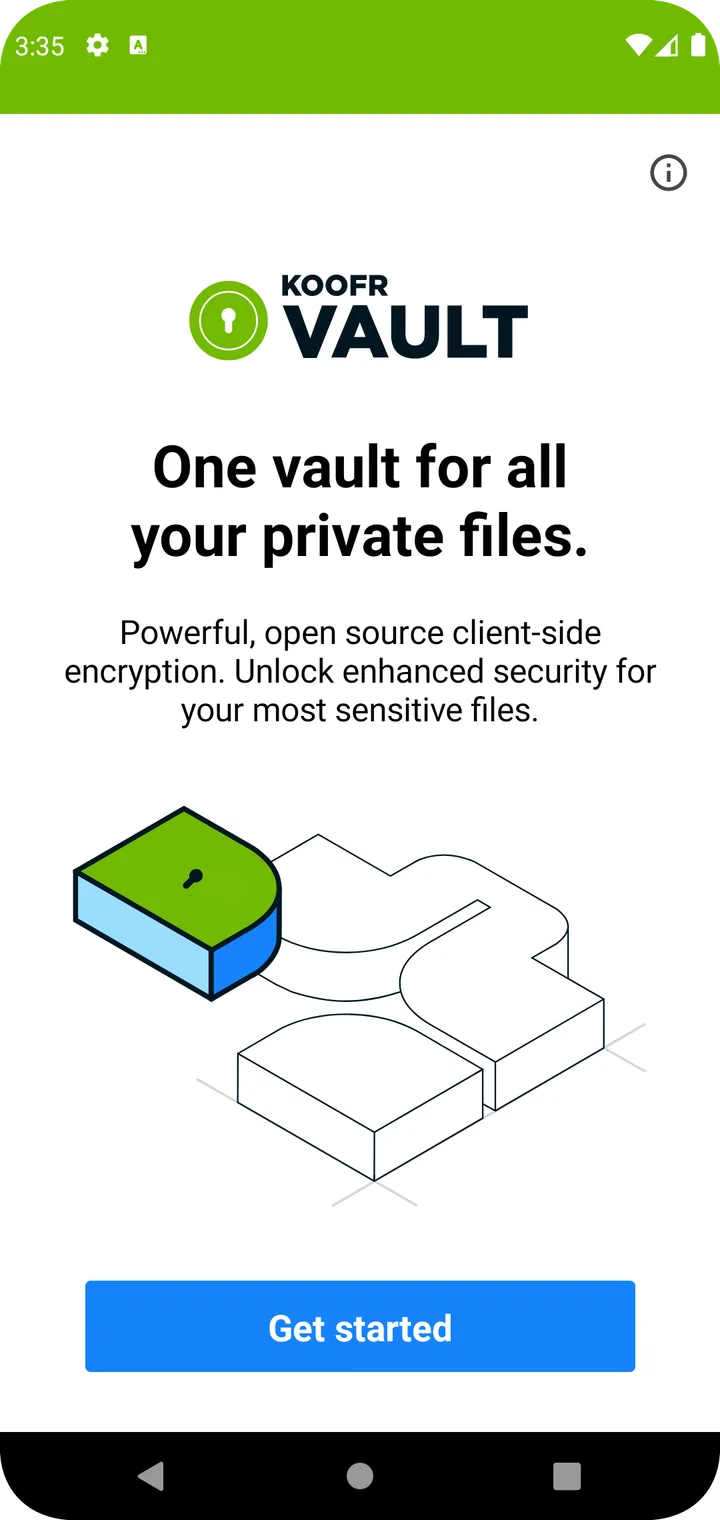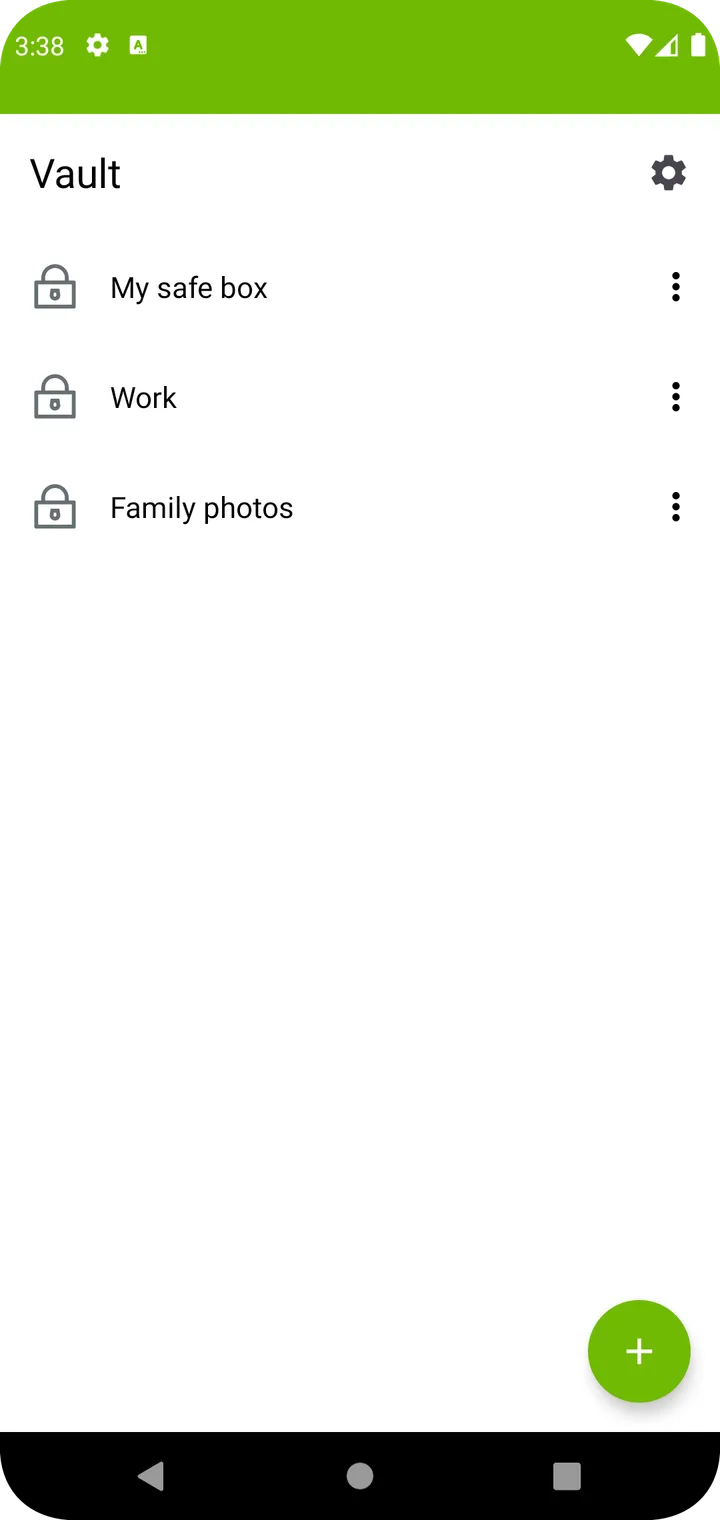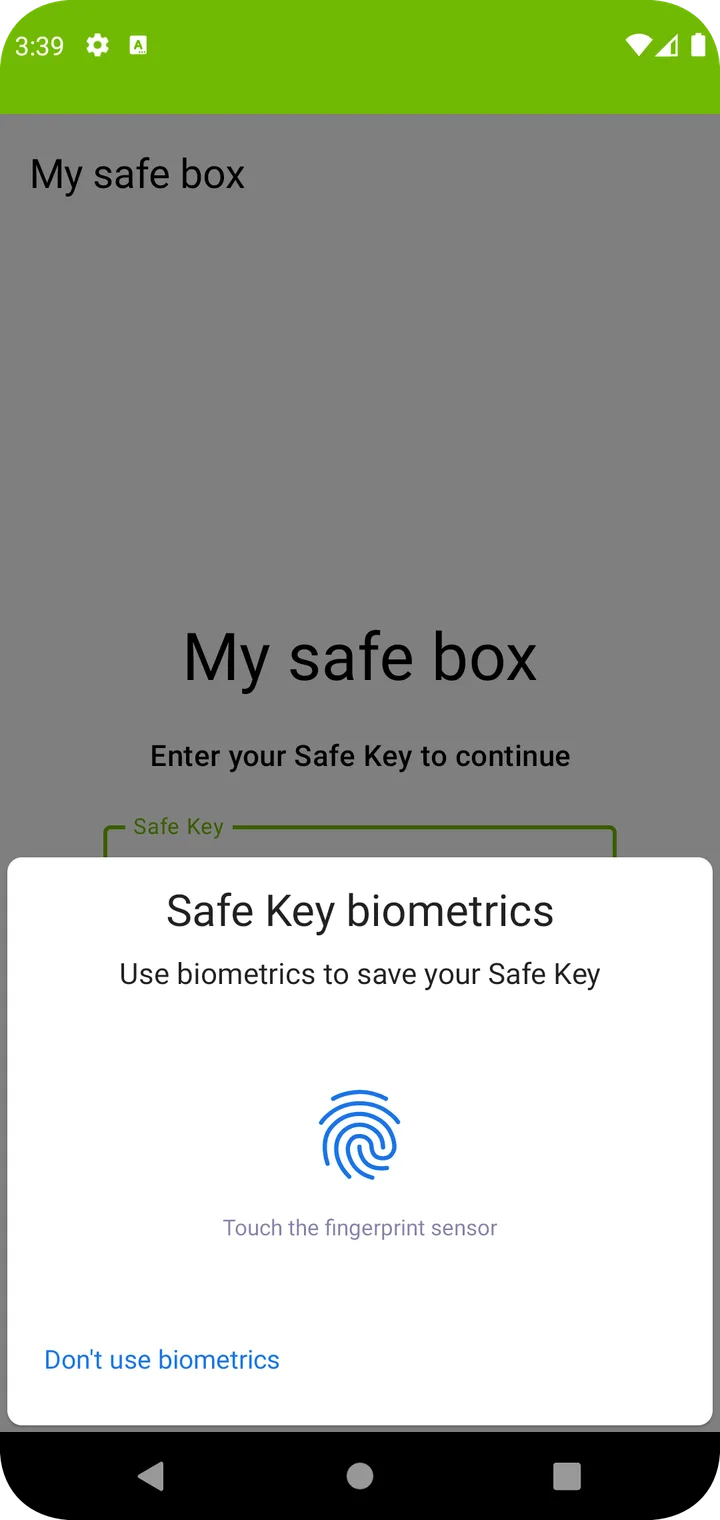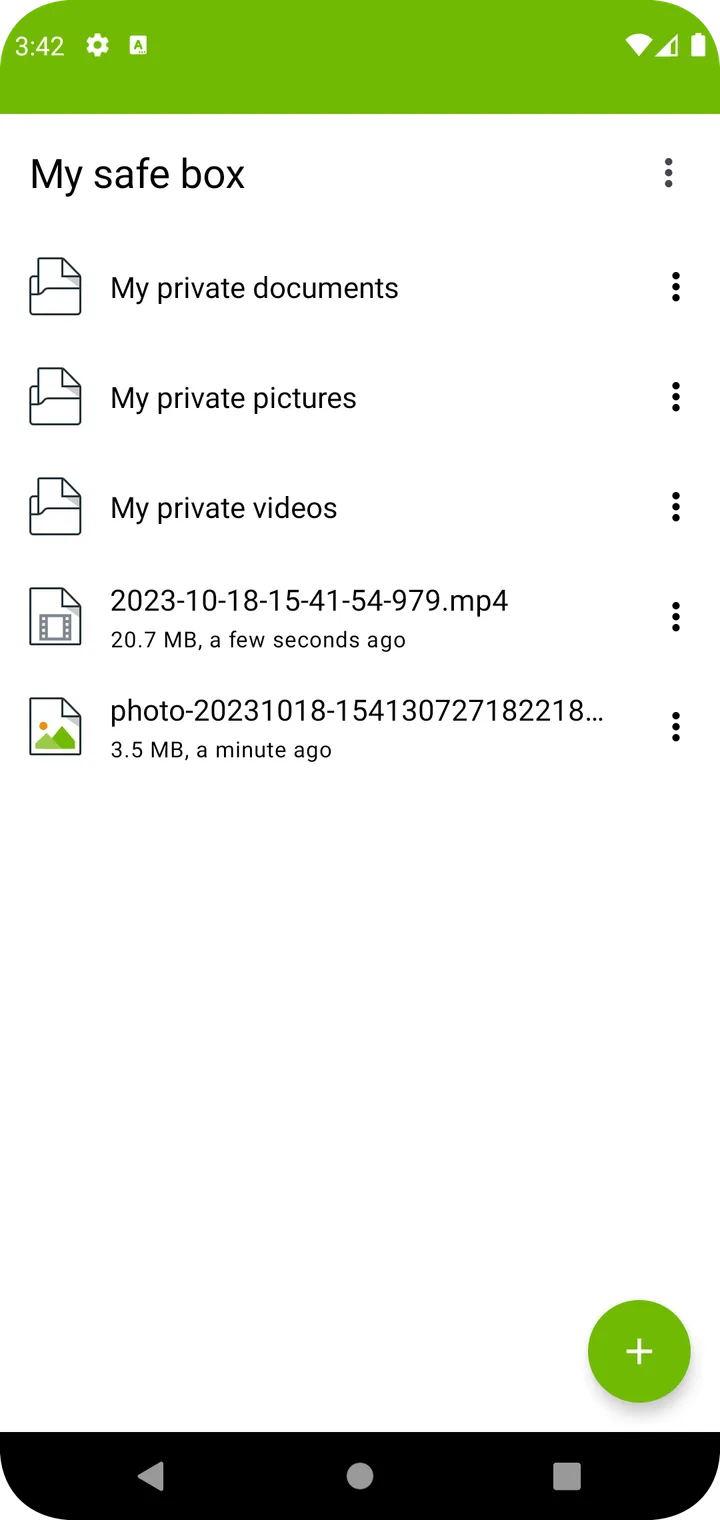

Koofr Vault is an open-source (MIT) Android app by koofr. The APK we host is 66 MB, it needs Android 8.0 or newer, and it declares 10 permissions.
The file on this page is Koofr Vault 0.1.26, 66.38 MB, and it installs on Android 8.0 and newer.
We compared the signing certificate of this build with the certificate recorded the first time net.koofr.vault entered the site, and published both the file's SHA-256 and the certificate's fingerprint above so you can check the download yourself. That comparison says the file was not repackaged by someone else; it is not a review of what the app does.
The manifest inside the APK declares 10 permissions, including access to the camera. Android asks you to approve those the first time the app needs them.
Its licence is MIT. We took this build from F-Droid, and the source for this exact version is linked below.
F-Droid, who build and sign this package, flag it: it relies on a network service that is not open source. We pass that on as they recorded it — we have not tested the app ourselves.
We do not show a star rating or an install count for this page: we have no measured figure for either, and a number we cannot source is worth less than an empty field.
- Version
- 0.1.26
- Size
- 66.38 MB
- Requires Android
- API 26
- Package
- net.koofr.vault
- Signature checked on
- Sep 21, 2026
- Where this file came from
- F-Droid
- Licence
- MIT
- Source code
- Source for this version
File SHA-256: 463e9d52a1347915760c38b08a1af15eb3dd6d9043a1fc1815e2505678447d08
Signing certificate (SHA-256): 1b0be4f09e706575192c0a6ca23aee6c5c409de5a647dbf79b8bebdc128c2d62
We check that this file carries the same signing certificate as earlier releases of the same package. That shows the APK was not repackaged by someone else — it is not a security review of the app.
Declared permissions
- INTERNET
- READ_EXTERNAL_STORAGE
- WRITE_EXTERNAL_STORAGE
- ACCESS_MEDIA_LOCATION
- CAMERA
- WAKE_LOCK
- USE_BIOMETRIC
- USE_FINGERPRINT
- ACCESS_NETWORK_STATE
- net.koofr.vault.DYNAMIC_RECEIVER_NOT_EXPORTED_PERMISSION
Screenshots